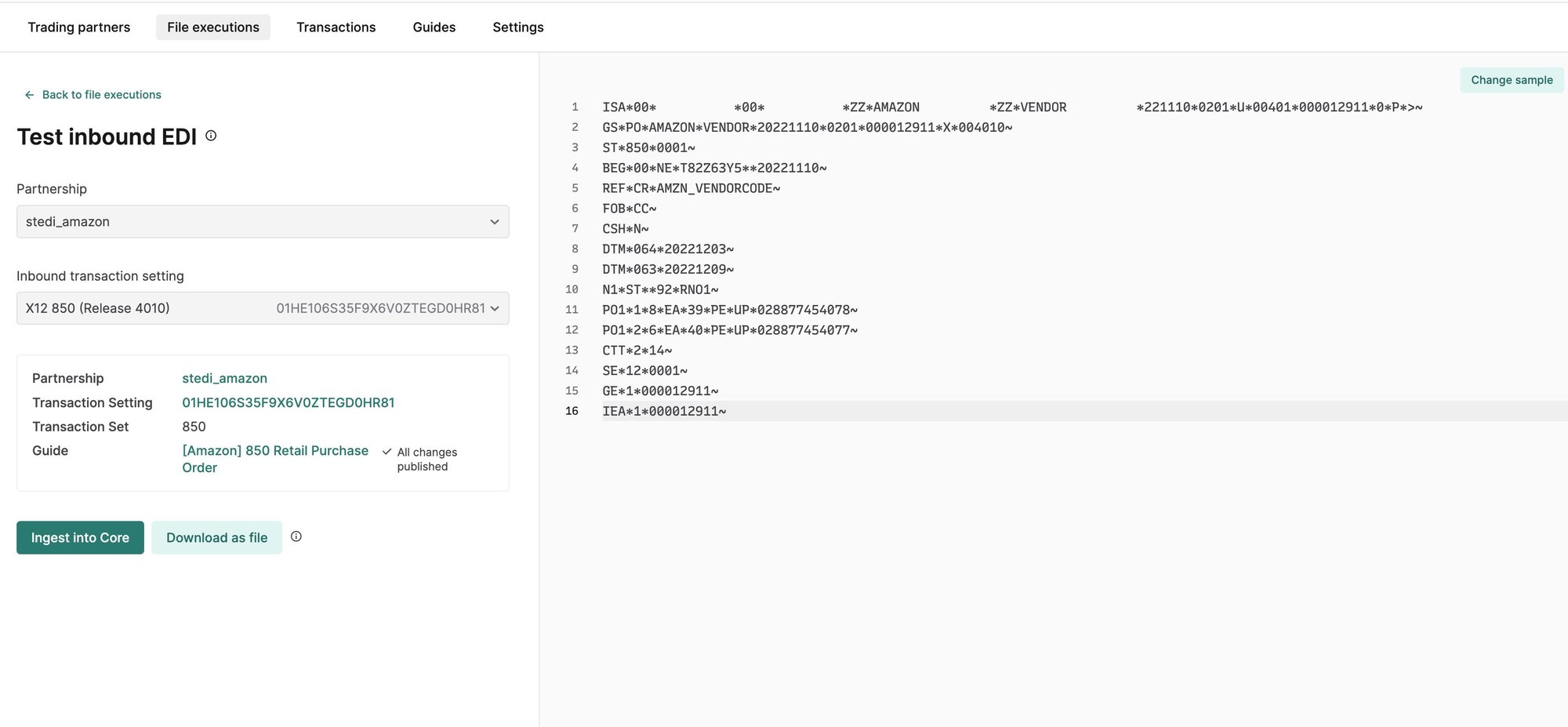
Generate inbound test files from your browser
EDI platform
You can now generate and send inbound test files to simulate receiving a file from your trading partner. This is useful for testing your downstream integration, since the inbound file will trigger configured destination webhooks.
To generate an inbound test file:
Go to the File executions page or navigate into a partnership and click Test inbound.
Select a partnership and an Inbound transaction setting.
Autogenerate the test file from a sample EDI file in the guide or paste your own test data into the editor.
Click Ingest file.
Stedi immediately processes the generated file and triggers any configured webhooks. You can review the results on the File Executions and Transactions pages.